
Video Editing with AI: Complete Beginner Guide (2026) | Learn Faster with AI
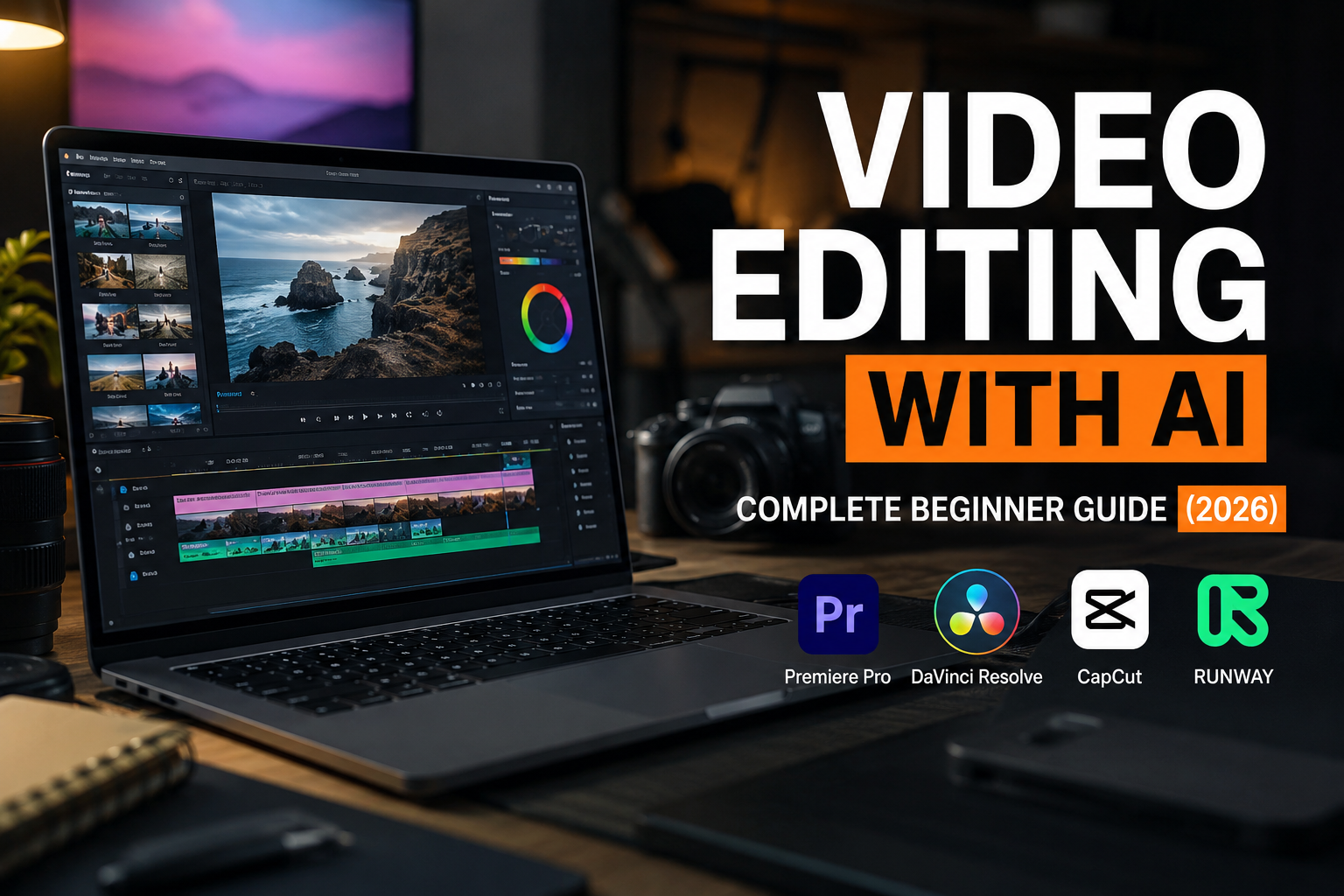
Video Editing with AI: Complete Beginner Guide (2026)
Video content has become one of the most valuable digital skills in today's world. Every business, content creator, startup, and personal brand relies on videos to attract customers and grow online. From YouTube videos and Instagram Reels to advertisements and online courses, the demand for skilled video editors is increasing every year.
Artificial Intelligence (AI) is transforming video editing by making complex editing tasks faster and easier. Today, AI can automatically remove backgrounds, generate captions, improve audio quality, create highlights, and even help edit videos in minutes.
Whether you're a student, freelancer, business owner, or aspiring content creator, learning Video Editing with AI can help you build a future-ready career.
What is Video Editing with AI?
Video Editing with AI is the process of using Artificial Intelligence tools alongside traditional editing software to create professional videos more efficiently.
Instead of manually performing repetitive tasks, AI can help with:
Automatic subtitle generation
Background removal
Audio enhancement
Noise reduction
Smart scene detection
Automatic video highlights
AI-generated B-roll suggestions
Object removal
Video upscaling
Text-based editing
This allows creators to focus more on storytelling and creativity instead of spending hours on repetitive editing work.
Why Learn Video Editing with AI?
Learning AI-powered video editing offers several advantages:
Faster editing workflow
Higher productivity
Better client satisfaction
Ability to manage multiple projects
More freelance opportunities
Increased earning potential
Professional-quality videos in less time
As AI tools become part of the editing process, professionals who understand both editing fundamentals and AI workflows will have a significant competitive advantage.
Best AI Tools for Video Editing
1. CapCut AI
CapCut AI is one of the most beginner-friendly editing tools. It provides automatic captions, AI-powered background removal, object tracking, text-to-speech, and smart editing features.
2. Adobe Premiere Pro
Adobe Premiere Pro includes Adobe Sensei AI features such as Auto Reframe, Speech Enhancement, Text-Based Editing, and intelligent color correction, making professional editing more efficient.
3. Runway ML
Runway ML offers advanced AI capabilities including background replacement, object removal, motion tracking, image generation, and text-to-video creation.
4. DaVinci Resolve
DaVinci Resolve combines professional editing with AI-powered facial recognition, scene detection, voice isolation, automatic color matching, and intelligent editing tools.
5. ChatGPT
ChatGPT can assist video editors by generating video scripts, titles, hooks, captions, YouTube descriptions, thumbnail ideas, and content planning, helping speed up the entire production process.
Skills You Should Learn
To become a successful AI Video Editor, focus on these essential skills:
Video storytelling
Timeline editing
Audio editing
Color correction
Motion graphics
Typography
Thumbnail design
Prompt writing
YouTube optimization
Short-form content editing
Career Opportunities
After mastering Video Editing with AI, you can work as:
Video Editor
Social Media Video Editor
YouTube Video Editor
Podcast Editor
Motion Graphics Designer
Marketing Video Specialist
AI Video Production Specialist
Freelance Video Editor
The demand for skilled video editors continues to grow across agencies, startups, media companies, and online businesses.
Salary in India
The salary of a Video Editor depends on experience, skills, and specialization.
Approximate salary ranges:
Beginner: ₹3–5 LPA
Intermediate: ₹5–8 LPA
Experienced: ₹8–15+ LPA
Freelancers can earn significantly more depending on their client base and portfolio.
How to Start Learning Video Editing with AI
A practical roadmap:
Learn video editing fundamentals.
Master CapCut for beginner projects.
Learn Adobe Premiere Pro.
Explore DaVinci Resolve.
Practice AI tools like Runway ML.
Create different types of video projects.
Build a professional portfolio.
Start freelancing.
Learn client communication.
Keep updating your skills with new AI tools.
Common Mistakes Beginners Make
Avoid these common mistakes:
Relying only on AI without learning editing basics.
Ignoring storytelling.
Poor audio quality.
Overusing transitions and effects.
Not organizing project files.
Not creating a portfolio.
AI is a powerful assistant, but creativity and editing fundamentals remain essential.
Future of Video Editing with AI
Artificial Intelligence is changing how videos are created, but it is not replacing skilled editors. Instead, AI helps professionals work faster and produce better results.
Editors who combine creative storytelling with AI-powered workflows will continue to be in high demand across digital marketing, social media, filmmaking, education, and business.
What You'll Learn:
AI-Powered Video Editing
CapCut AI
Adobe Premiere Pro
DaVinci Resolve
Runway ML
Short-form & Long-form Editing
Portfolio Building
Freelancing Strategies
Client Workflow
Industry-Level Projects
Ready to become a professional AI Video Editor?
Explore the Video Editing with AI course at Logic Sikho and start building your creative career today.